CITIA is developing an assistant that checks business documents and drafts findings for a reviewer. The design gives each role access to the records and tools for its assigned tasks.
Example: reviewing a vendor onboarding package
A procurement coordinator submits a vendor package. The assistant matches the documents against the current onboarding checklist and drafts an item-by-item review with citations. An expired certificate or conflicting company name goes to the reviewer with the relevant excerpts. The reviewer approves the package, returns it for correction or asks for more evidence. The task record captures the approved version and decision.
From request to approval
Enterprise AI Workflow
Submit the taskDefine the goal, source files and expected output.
Retrieve and verifyCheck document versions and cite the relevant passages.
Prepare a draftUse authorized tools and attach the supporting evidence.
Human reviewApprove, edit or return the draft.
Record the decisionKeep the evidence, model version and review decision.
↶ If returned, revise the draft and submit it for review again.
→ Publication or writing to a business system requires separate authorization.
Retrieve the right records
The assistant searches documents available to the requester, checks the effective version and cites the passages used. Conflicting records are surfaced for review.
Run tasks with scoped permissions
The workflow can split retrieval, comparison and drafting into separate steps. MCP connectors provide access to authorized tools. File access and network connections can be restricted by policy.
Review the output and record the decision
A reviewer can approve, correct or return a draft. Publishing or writing to a business system requires separate authorization. The task record links the evidence, model version, tool calls and decision.
Workflow architecture
On narrow screens, scroll sideways to see the full diagram.
Workspace and access
Keep each organization’s workspace and records separate. Role-based access controls govern which documents, tools and tasks each person can use. Record access changes and define how long task records are retained.
Agent runtime and tool access
Split retrieval, comparison and drafting into separate steps. Use MCP connectors for authorized tools, with separate permissions for reading and writing. Run file and script operations in an isolated environment and restrict outbound connections. Retry temporary read failures and send unresolved exceptions to a reviewer.
Document retrieval and safeguards
Parse and index approved documents. Apply access filters before retrieval and rerank passages by relevance. Include the document version and passage in the draft. The design considers NeMo Retriever and NeMo Guardrails for retrieval and policy checks, including masking sensitive fields.
Model serving
Use a common workflow with either NVIDIA Nemotron served through NIM or a customer-approved open-weight model. Compare both on the same cases and record the model version for each run so reviewers can trace changes in results.
Model selection and acceptance testing
Compare models on the same tasks
Use the same documents, tools and permissions for both model paths. Compare citation accuracy, task completion, latency and operating cost. Rerun the acceptance cases after changing the model or workflow.
Private deployment options
The design considers a Canadian private cloud, customer-managed infrastructure and isolated offline environments. Deployment planning covers document indexes, inference, logs and backups.
Acceptance criteria
Test an outdated policy, conflicting documents, a restricted file and a failed tool call. Check that the reviewer can correct or return the draft and that a write to the business system requires separate approval. Record the expected and actual results, model version and reviewer decision.
Reference interface examples
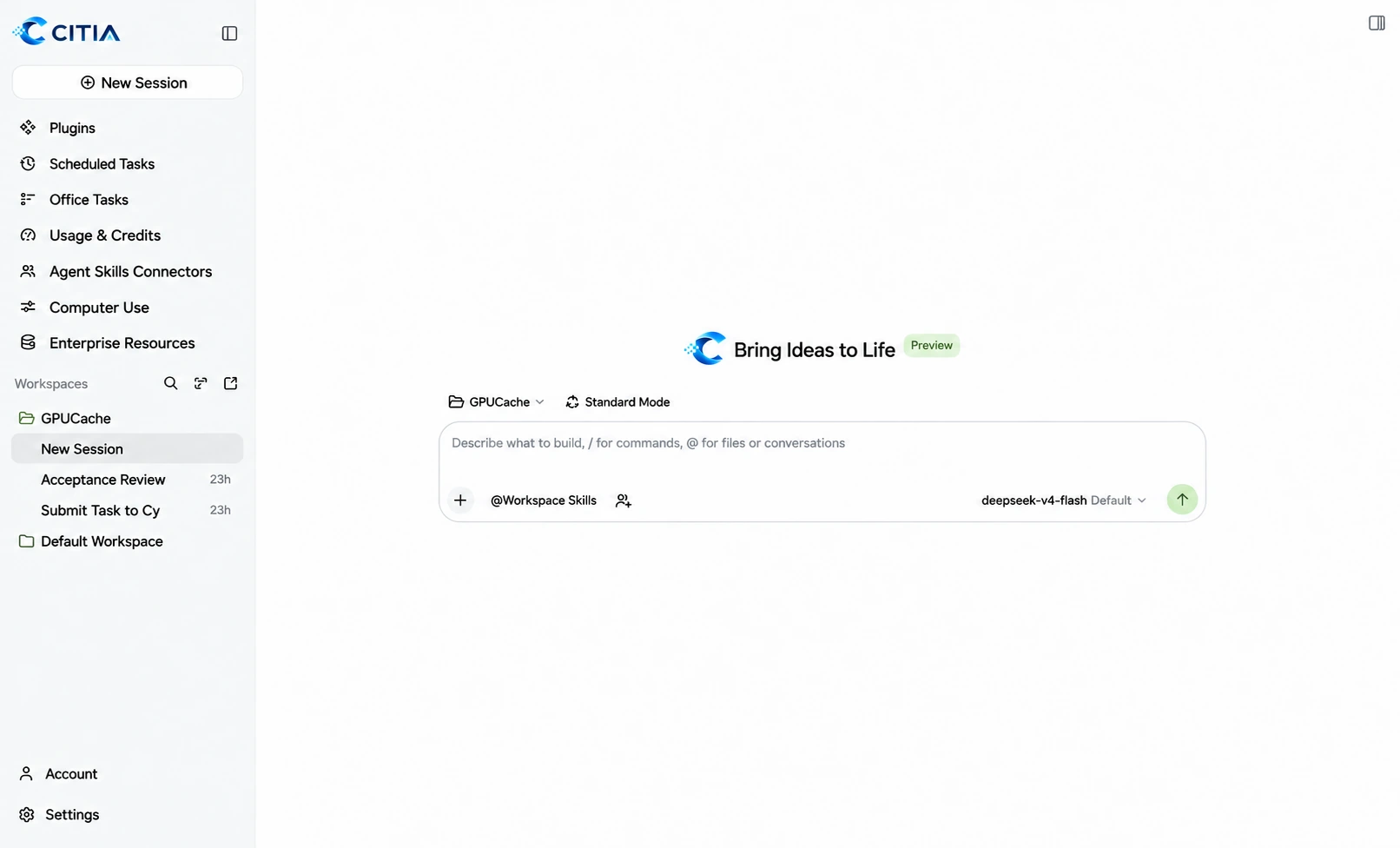
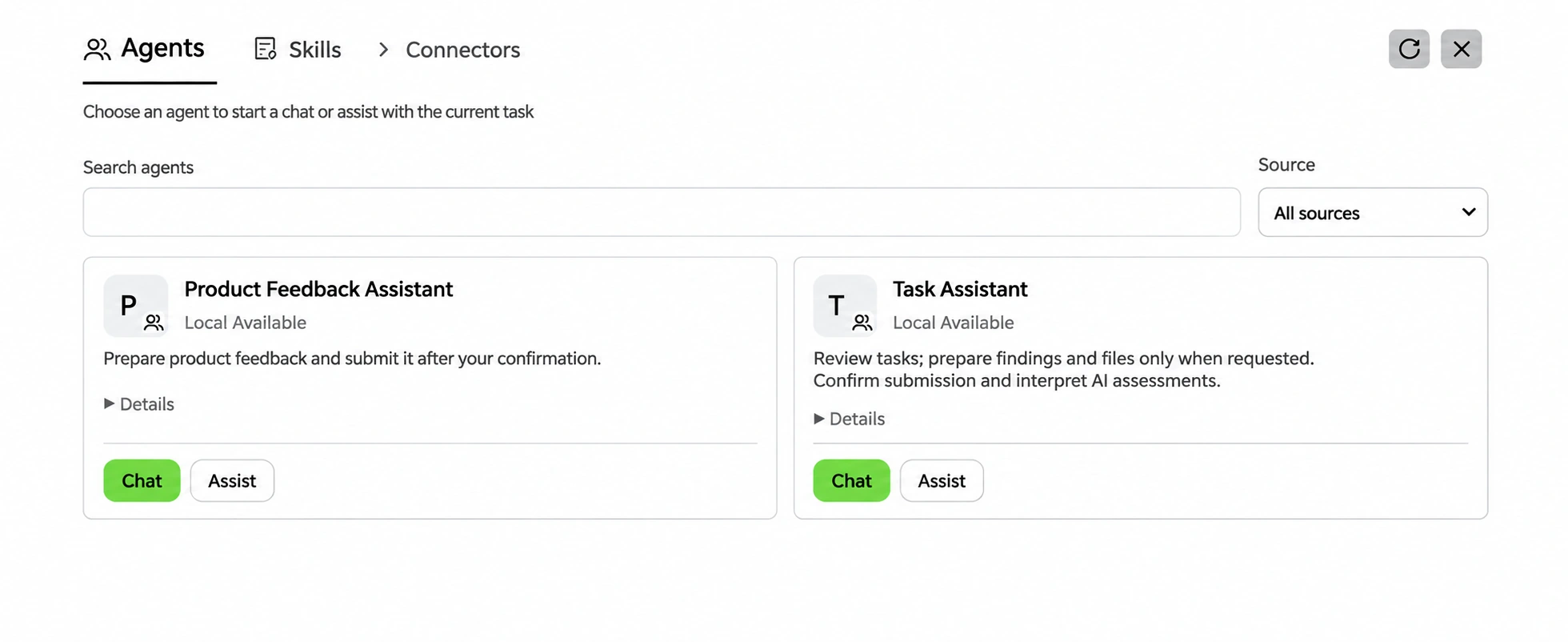
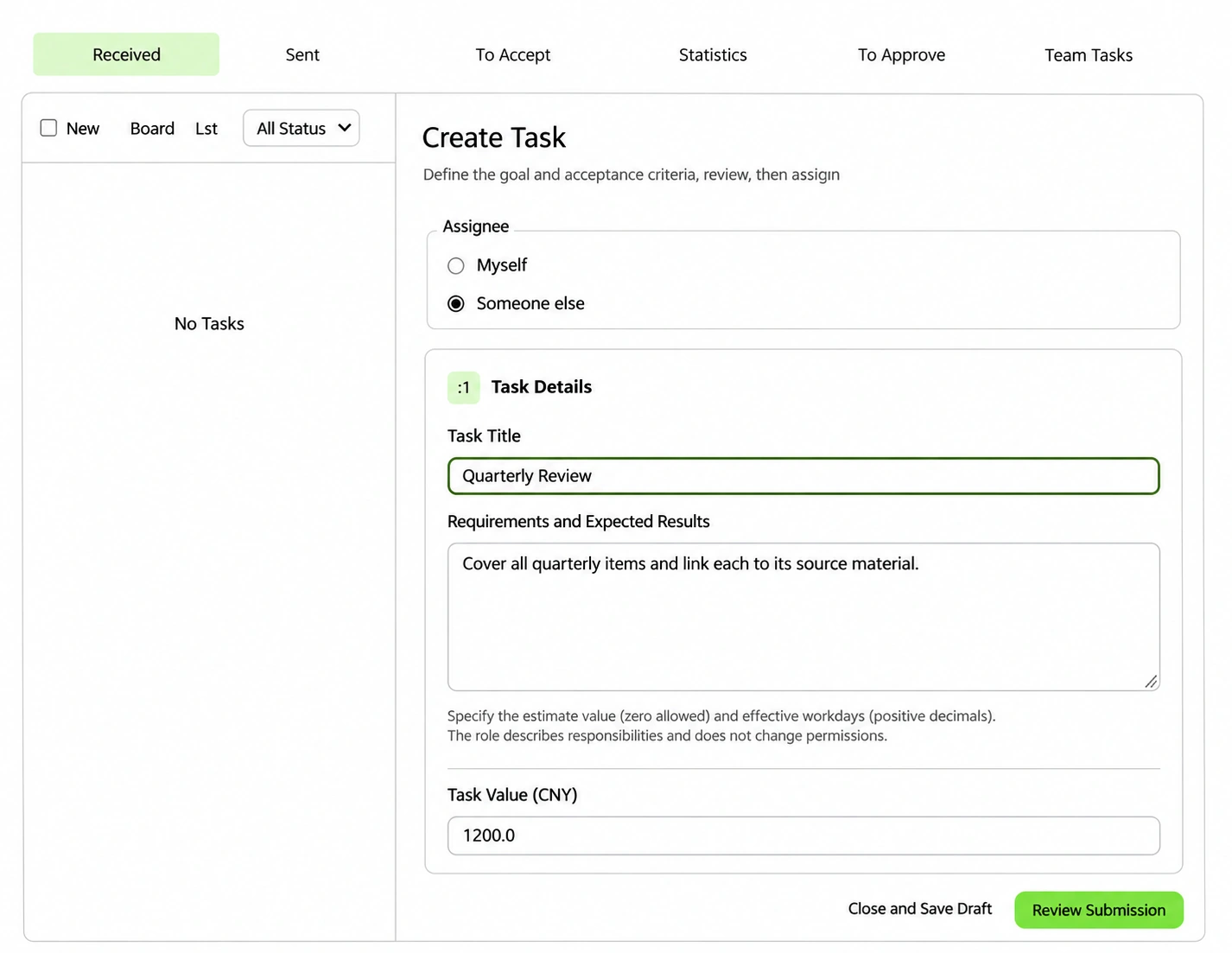
Three CITIA interface mockups illustrate the workspace, assistant selection and task review.